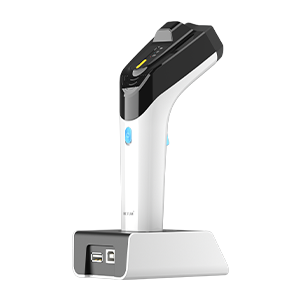
UHF settings#
Note
Only available on wireless models with UHF RFID capability.
Status indication#
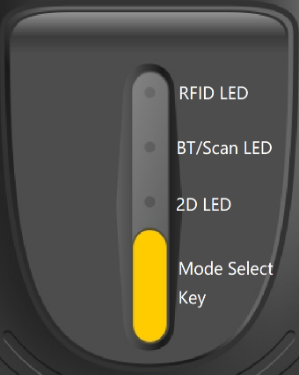
DS8500 top status indication#
Working mode (press the |
2D LED |
RFID LED |
BT/Scan LED |
|---|---|---|---|
barcode only (default) |
ON |
OFF |
Follow the buzzer for sound and light prompts; in Bluetooth mode, it is used to indicate the BT connection status: it flashes when not connected, and stays on when connected. |
RFID only |
OFF |
ON when idle, flashing when reading tags |
|
Barcode + RFID |
ON |
ON when idle, flashing when reading tags |
Scan Mode#
2D and RFID switching#
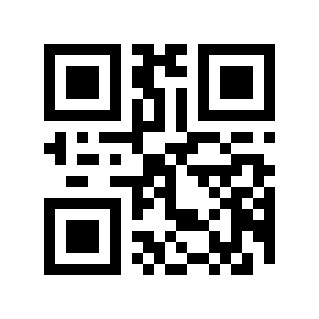
* 2D only#
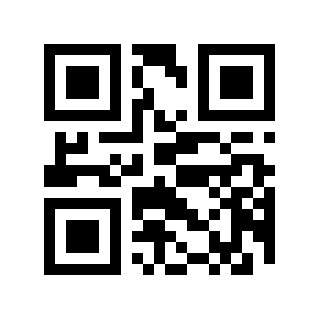
RFID only#
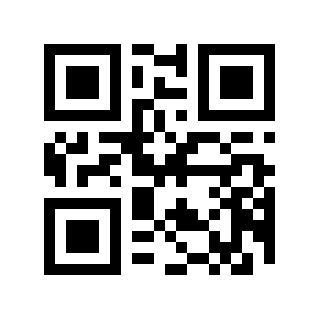
2D&RFID (any output)#
Note
In RFID only mode, press and hold the Trigger Button for 8 seconds to switch to 2D&RFID mode; the DS8500 can also switch modes using the top Mode key.
Trigger reading mode#
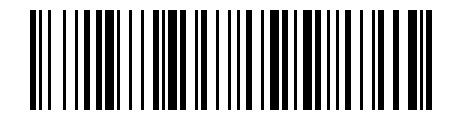
* Key scan mode (default)#
Press the Trigger Button to start reading, and release it to stop reading.

Continuous scan mode#
Press the Trigger Button to start or stop continuous reading.
Group scan mode#
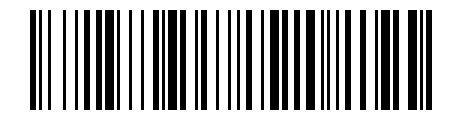
Group scan mode (supported by some versions)#
Some versions (such as DS_UHF_RFSBTD43bc_E429 and above) support group scan mode.
Press and hold the button to start scanning, release the button to upload; if no new tag is detected for more than 0.3 s, it will also be uploaded automatically.
Warning
Group scan mode cannot be used together with 2D barcode reading.
Group scan mode requires enabling SRAM cache, and the maximum cache size is 4096 bytes.

SRAM Cache Enable/Disable#
Note
If you hear two short beeps after scanning, it means disabled; one long and three short beeps means enabled.
EPC output format settings#
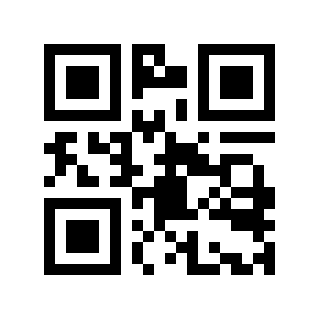
\* ASCII-Hex#
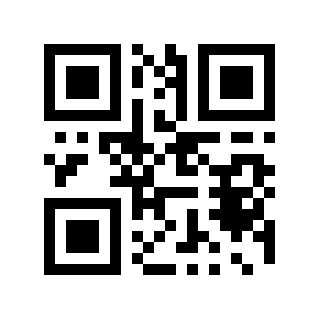
Original#
For example, when outputting E0 :00 :12 :34:
ASCII-Hex: E0001234
Original: 0xE0,0x00,0x12,0x34
Prefix Settings#
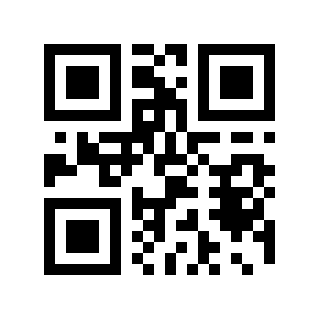
* Disable#
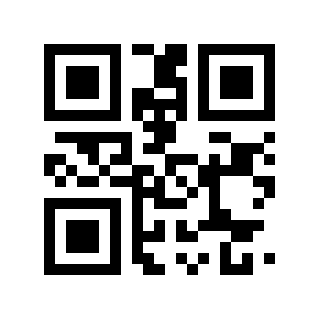
Enable#
When enabled, EPC data will be added with the EPC: prefix, and barcode data will be added with the COD: prefix.
Read content settings#
Note
Currently only available for U2 UHF modules.
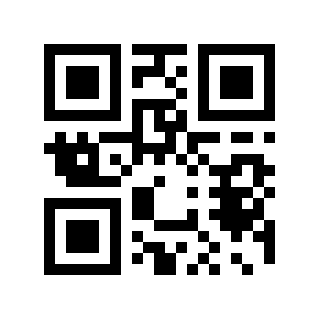
*EPC#
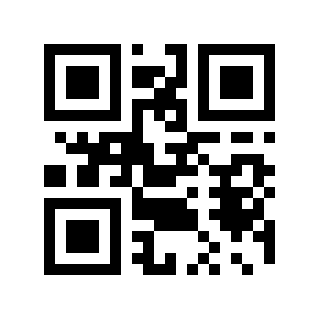
TID#
Note
The TID option was added on 2024-11-09.
U2 UHF module settings#
Note
This section applies to Barcode Readers using the U2 UHF module.
UHF power settings#
Note
Applicable to U2 module; will not be lost after power off after saving.
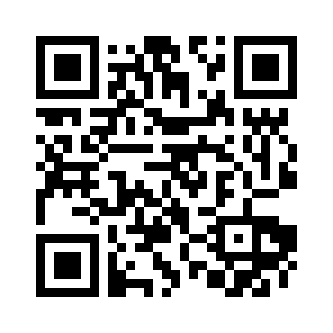
Set the transmit power Level 1 (5 dbm, the closest card reading distance) (01F4)#
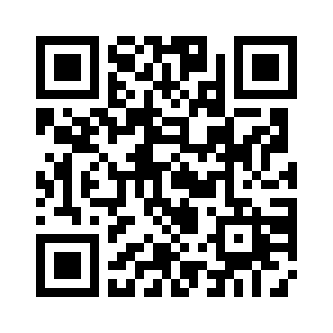
Set transmit power Level 2 (10 dbm) (03E8)#
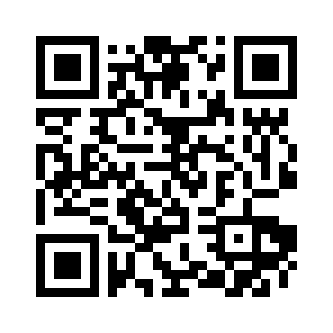
Set transmit power Level 3 (15 dbm) (05DC)#
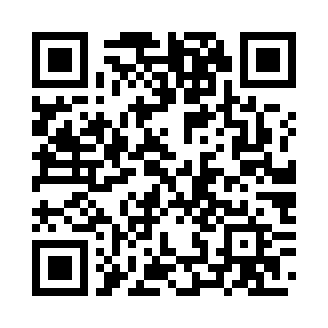
Set transmit power Level 4 (18 dbm) (0708)#
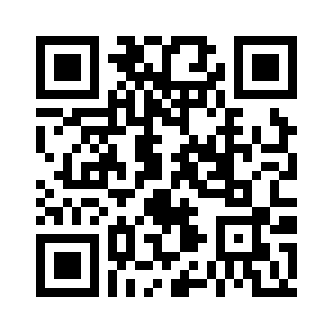
Set transmit power Level 5 (19 dbm) (076C)#
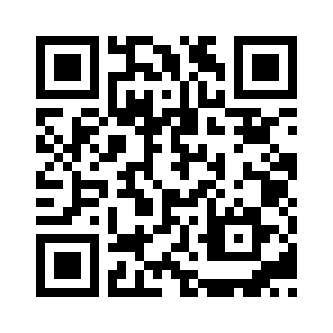
Set transmit power Level 6 (20 dbm) (07D0)#
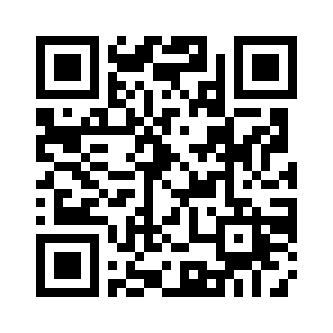
Set transmit power Level 7 (21 dbm) (0834)#
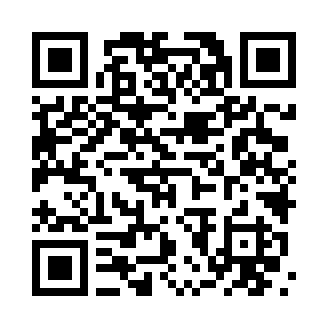
Set transmit power Level 8 (22 dbm) (0898)#
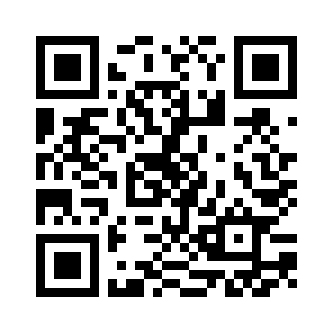
* Set transmit power Level 9 (23 dbm) (08FC)#
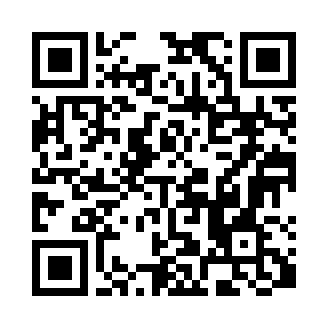
Set transmit power Level 10 (27 dbm) (0A8C)#
U3 UHF module settings#
Note
This section applies to Barcode Readers using the U3 UHF module.
UHF power settings#
Note
For U3 mods.
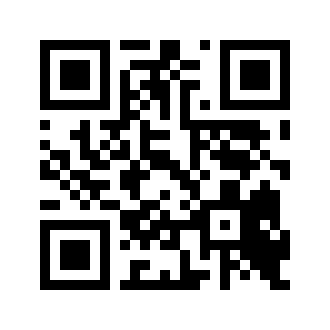
0dbm#
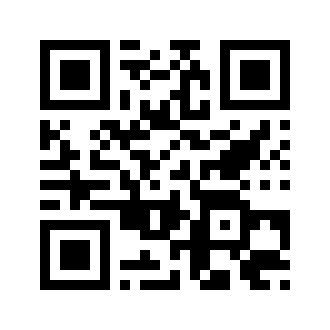
1dbm#
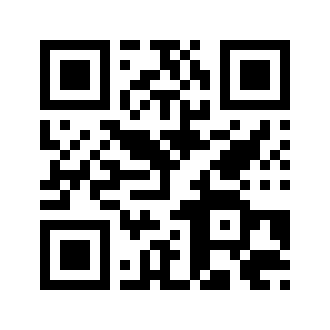
2dbm#
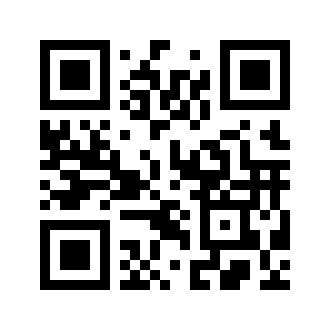
3dbm#
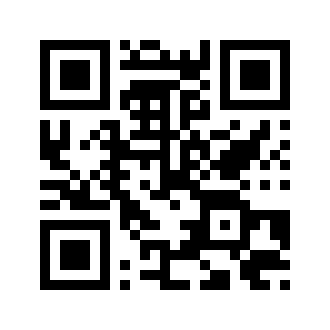
4dbm#
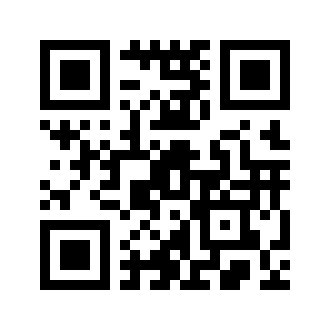
Set the transmit power Level 1 (5 dbm, the closest card reading distance) (05)#

Set transmit power Level 2 (10 dbm) (0A)#
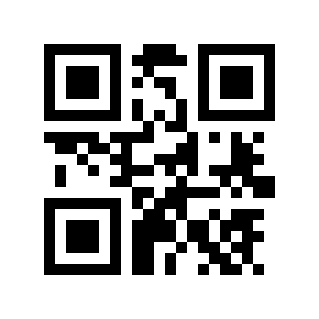
Set transmit power Level 3 (15 dbm) (0F)#
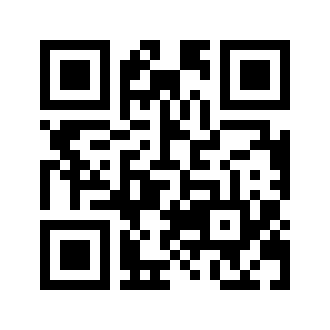
Set transmit power Level 4 (17 dbm) (11)#
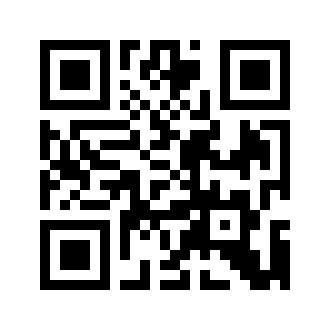
Set transmit power Level 5 (19 dbm) (13)#
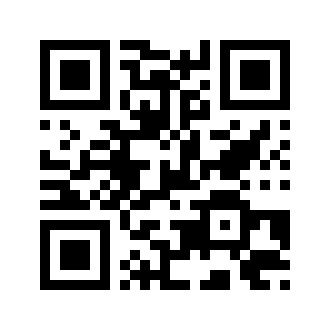
Set transmit power Level 6 (21 dbm) (15)#

Set transmit power Level 7 (23 dbm) (17)#

Set transmit power Level 8 (25 dbm) (19)#
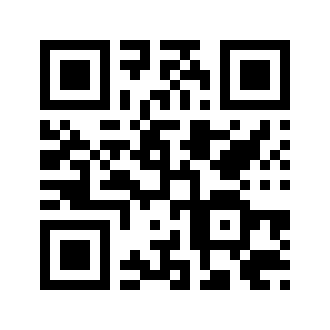
* Set transmit power Level 9 (28 dbm) (1C)#