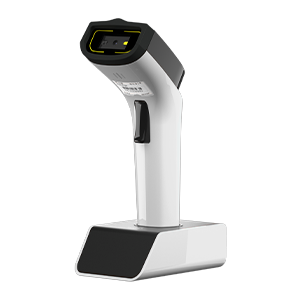
DS2800 Barcode Scanner User Manual# System Settings Read Firmware Version Restore Factory Defaults Work Mode Power management Read sleep time Set sleep time Get Barcode Reader battery level Feedback Indicators Buzzer control Vibration motor control Buzzer sound definition Indicator definition wired mode USB transfer method USB keyboard transfer speed USB HID multi-key send settings Wi-Fi transmission mode Modify device ID Data Upload Format Data Receiving Format Data transfer protocol Network configuration Bluetooth Mode Bluetooth HID Bluetooth SPP Bluetooth BLE Clear pairing information iOS pop up/hide keyboard Bluetooth keyboard transmission speed Change Bluetooth Name Keyboard Settings HID Keyboard General Setting Keyboard language settings Keyboard Language Read the current keyboard layout Data Editing Standard Data Editing Settings Extended Data Editing Settings Terminator Settings GS1 AI field bracket settings Scan Mode Barcode Decode Mode RTC clock settings Output format delimiter Module Settings Device Feature Settings Trigger Settings Engine Code ID Engine Output Format Barcode Settings Engine Parameter Barcodes Engine Character Table Appendix Character Reference Table